
Windows programs, on your Mac.
Double-click a Windows installer and the program ends up in your Dock, ready to open like any Mac app.
Free for 14 days, then monthly, yearly or lifetime. You need a Mac with Apple silicon.
A recording on a Mac. In Steam for Mac you pick Tonic as a game’s compatibility tool and press Play, and the game starts. Then you make an environment in Tonic and pick Ubisoft Connect from Tonic’s list of launchers: its own installer runs, you click through it to Finish, and Tonic shows it installed. Ubisoft Connect then opens to its sign-in window, and the environment shows it running. Waits are sped up and marked.
How it works
1Create an environment
2Drop in the installer
3Open it
What’s different

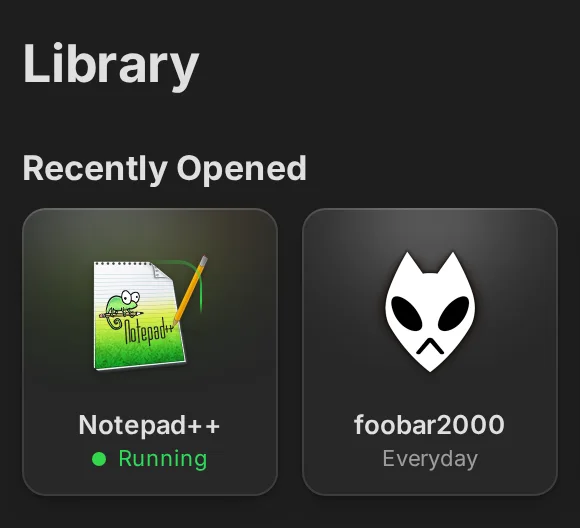

At a glance
Pricing
Every plan gets the whole app. We’ll post the prices here before checkout opens.
When checkout opens, you pay through Polar, so we never see your card. Your licence key arrives by email.
Questions
No. Windows programs run directly on macOS, so there’s no Windows licence to buy and no virtual machine to set up.
We don’t publish a list yet. We only call a program supported after we’ve tested that exact version ourselves. Ask in the Discord and we’ll tell you what we know.
Each game runs through a graphics layer picked for it. DirectX 9 and older run through Wine’s own Direct3D, and DirectX 10 and 11 through DXMT. We won’t say a game works until we’ve tested it.
In the email Polar sends after you pay. Your account page shows the last four characters of each key, so you can tell them apart.
Ask in the Discord, or email support@tonic.software. We read both.